
Add purchases fast
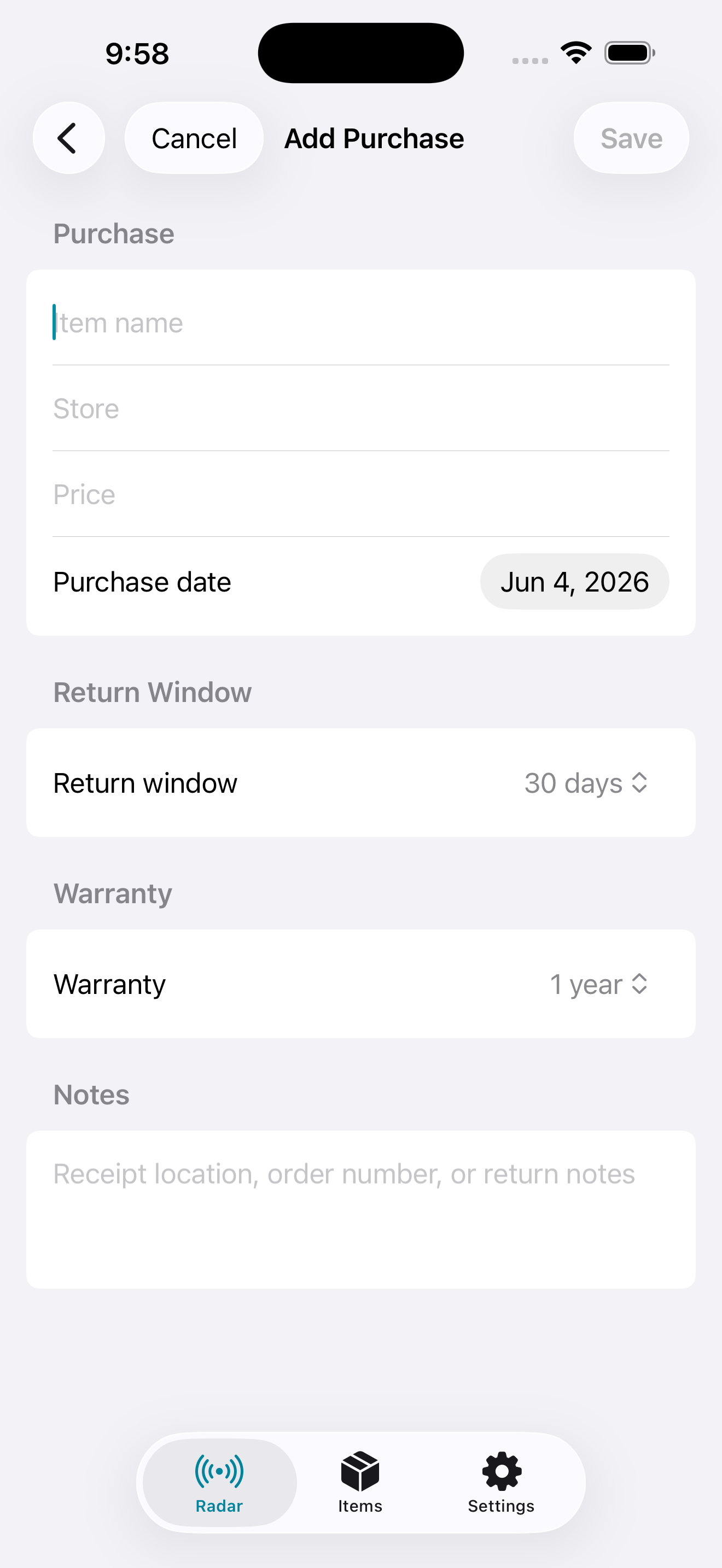
Capture item name, store, price, purchase date, return window, warranty timing, refund details, and notes.
 Support
ReturnRadar
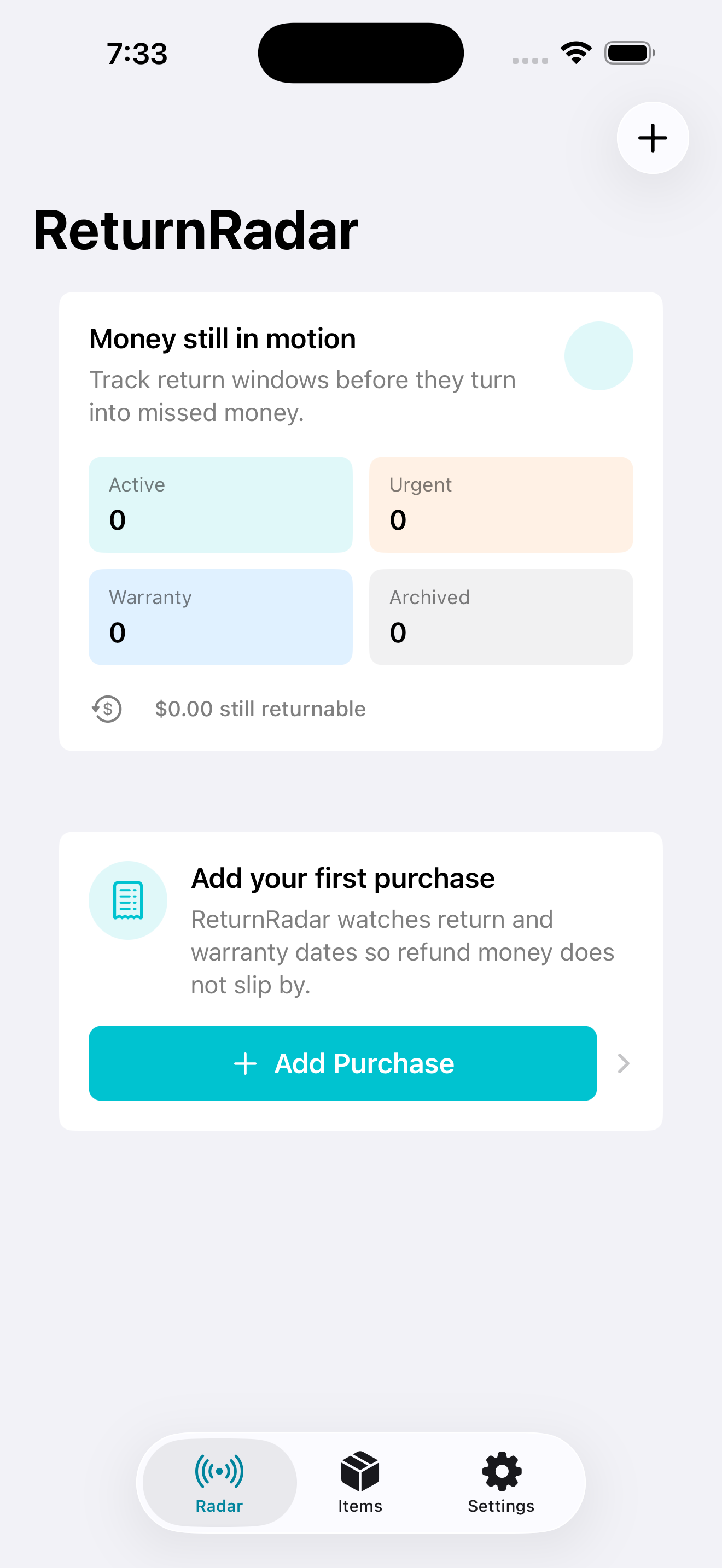
iPhone return tracker and warranty appReturnRadar is a private iPhone return tracker app for purchase reminders, warranty tracking, return windows, refund deadlines, and local alerts.
Return tracker app
ReturnRadar is for the purchases that are still sitting in the box, the receipts buried in email, the refund deadlines you meant to check, and the warranty dates you only remember after they expire.
Save the item, store, price, purchase date, return window, warranty window, and optional notes. ReturnRadar keeps purchase tracking, return reminders, and warranty tracking simple, private, and focused.
Screenshots
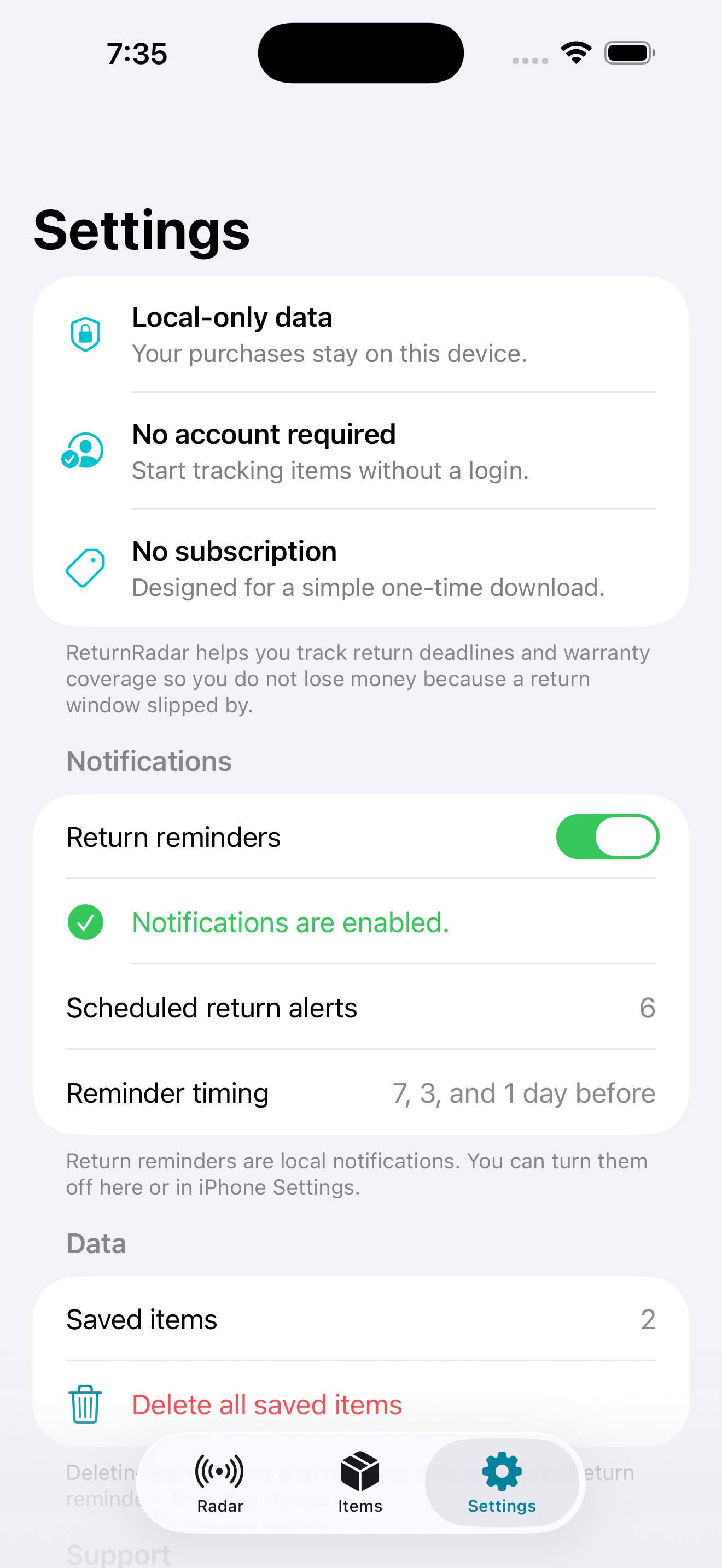
Features
ReturnRadar is intentionally narrow: purchase tracking, return windows, refund deadlines, warranty coverage, and local reminder timing.
Capture item name, store, price, purchase date, return window, warranty timing, refund details, and notes.
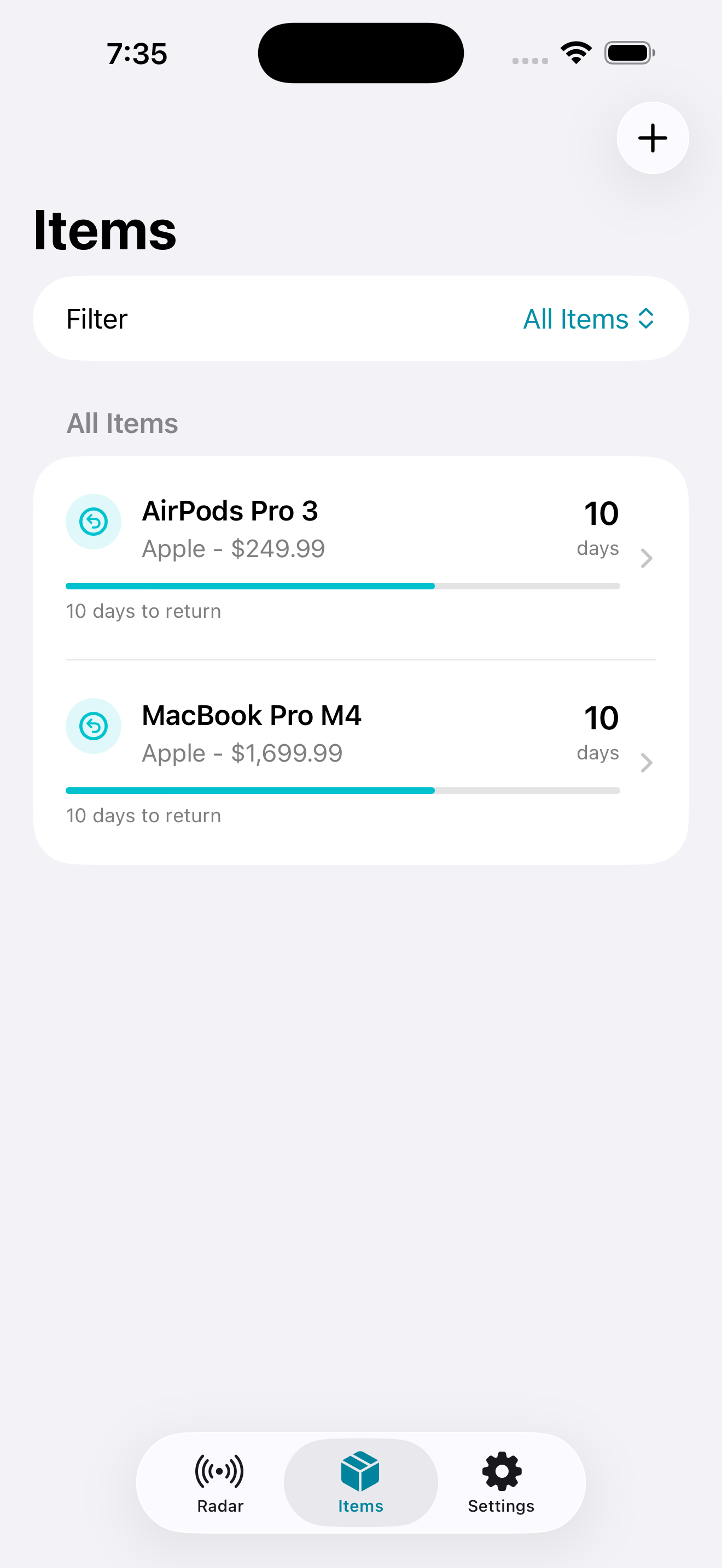
See days remaining so returns, refunds, and exchanges do not slip past the deadline.
Keep warranty coverage visible after the return window has closed.
Optional local notifications can remind you before return deadlines and refund windows close.
Privacy
ReturnRadar stores your purchase tracking and warranty tracker data on your iPhone. There is no account system, no ads, no subscription, and no cloud sync in this version.
Read Kirkland Digital PrivacyFAQ
A return tracker app helps you save purchases and monitor the deadline for returns, refunds, or exchanges. ReturnRadar focuses on return windows, warranty dates, purchase reminders, and local alerts.
Yes. ReturnRadar works as a warranty tracker for iPhone by storing warranty timing alongside purchase and return-window details, so an item can remain useful to track even after the return period ends.
No. ReturnRadar does not require a login or account. It is designed as a simple one-time iPhone utility.
Your ReturnRadar purchase tracking data stays on your device in this version. There is no cloud sync or account database.
Email [email protected] with the app name, your device model, iOS version, and a short description of the issue.
Download
Download ReturnRadar on the App Store or contact Kirkland Digital for iPhone app support.